To unsubscribe via an email notification you received:
Open the email and scroll all the way to the bottom.
Locate the line that says “Too much? Click here to unsubscribe from these emails” and click the word here.
When the link opens, click the blue Unsubscribe button to complete the process.
To unsubscribe via the Email Settings on our website:
When signed into your account, visit your Settings page which can be found by clicking on the circle avatar on the top right corner of any page.
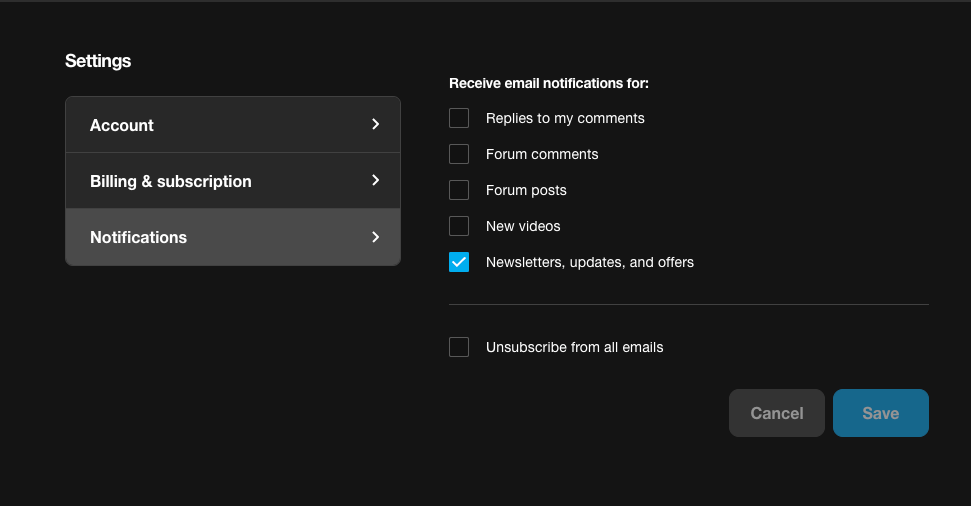
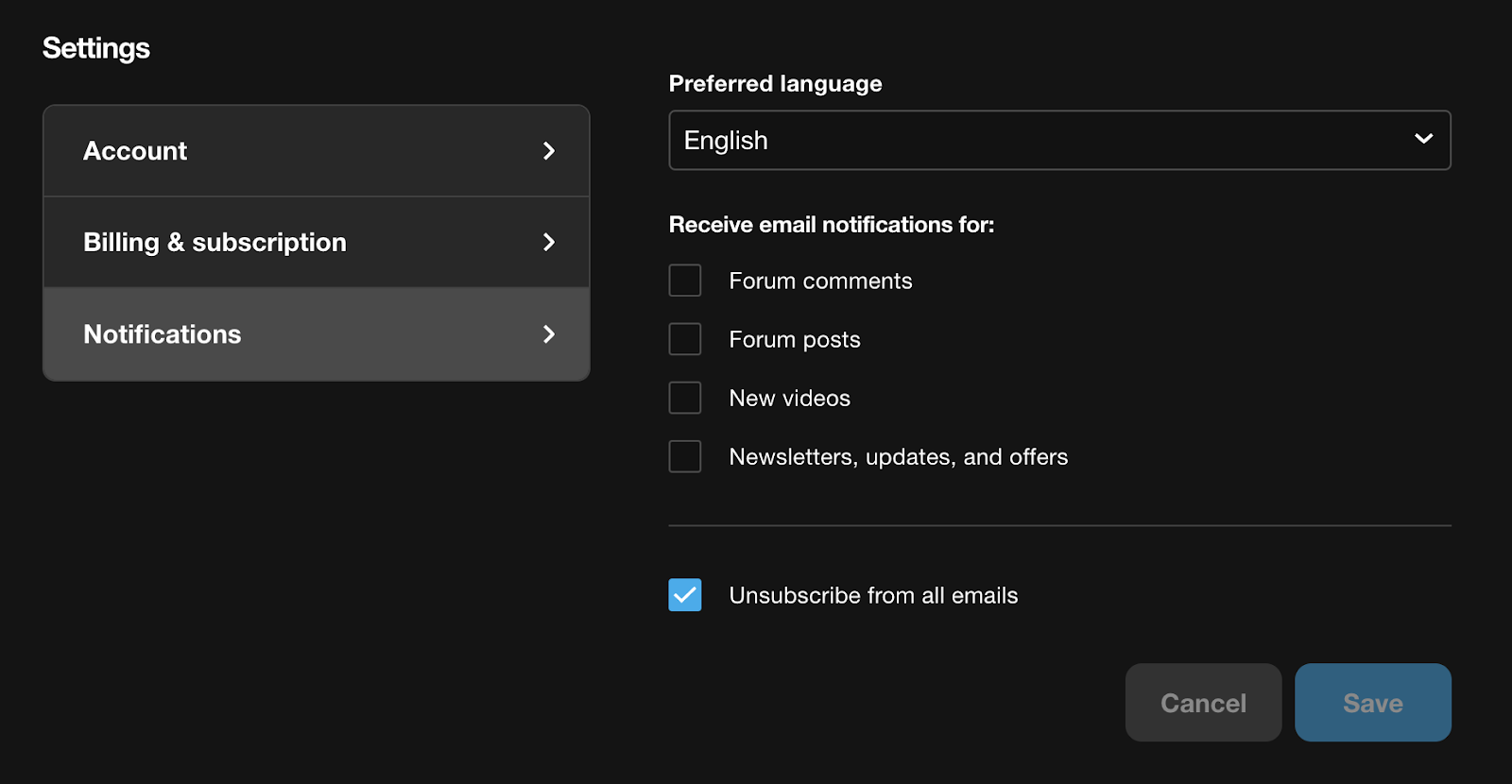
Click the Notifications tab.
You will see a list of potential notifications you can unsubscribe from. You can also click on “Unsubscribe from all emails’ if you do not wish to receive any emails.

Comments
0 comments
Please sign in to leave a comment.